
Are you struggling to get noticed on Pinterest? Your Pinterest bio might be the secret weapon you’re overlooking.
It’s more than just a few words about yourself—it’s a powerful tool that can attract the right followers and drive traffic to your content. You’ll discover simple, effective ways to optimize your Pinterest bio so it works hard for you.
By the end, you’ll know exactly how to turn your profile into a magnet that pulls in your ideal audience. Ready to unlock the full potential of your Pinterest presence? Let’s dive in.
Crafting A Catchy Profile Name
Crafting a catchy profile name on Pinterest is a vital first step to attract followers. Your name appears everywhere, from your pins to your boards. It should be easy to remember and give a clear idea about your content. A great profile name helps you stand out and invites users to explore your page.
Incorporating Keywords
Including keywords in your profile name boosts your visibility. Use words that describe your niche or main topics. Think about what your audience might search for. Keywords help Pinterest show your profile in relevant searches. Keep the name natural, not stuffed with too many words.
Reflecting Your Brand Identity
Your profile name must match your brand’s personality. Choose words that show your style and values. This creates trust and makes your page memorable. A strong brand identity connects with your audience emotionally. Stay consistent with other social media handles if possible.
Writing A Compelling Bio
Writing a compelling Pinterest bio is key to attracting followers and growing your profile. Your bio introduces who you are and what you offer. A clear and interesting bio helps visitors decide to follow you. It also improves your chances of appearing in search results. Focus on making your bio stand out by sharing your unique value, using simple language, and encouraging action.
Showcasing Your Unique Value
Highlight what makes you different from others. Share your skills, passions, or the benefits you provide. Think about what visitors want to know first. Show why they should follow you. A unique bio builds trust and interest quickly.
Using Clear And Concise Language
Use short, simple sentences. Avoid complex words or jargon. Clear language is easy to read and understand. Keep your bio brief but informative. This helps visitors grasp your message fast and stay engaged.
Adding A Call To Action
Encourage visitors to take the next step. Invite them to follow your profile or check your boards. A call to action guides users and increases engagement. Make your ask simple and direct. This can boost your follower count and reach.
Selecting The Right Profile Image
Selecting the right profile image is a key step for your Pinterest bio. It helps people recognize your brand quickly. Your profile image shows your style and professionalism. A clear and suitable photo builds trust. It invites users to explore your pins and follow your account.
Choosing A Professional Photo
Pick a photo that looks clean and sharp. Use a headshot with good lighting and a neutral background. Avoid cluttered or blurry images. Dress in a way that fits your brand or business style. A professional photo makes your profile look reliable. It shows you take your Pinterest presence seriously.
Ensuring Consistency Across Platforms
Use the same profile image on Pinterest and other social media. Consistency helps people find you easily. It strengthens your brand identity. Matching images across platforms make your online presence uniform. This simple step increases your credibility and trust.
Credit: www.tailwindapp.com
Utilizing Keywords For Seo
Using keywords in your Pinterest bio helps people find your profile easily. Keywords improve your profile’s search ranking inside Pinterest and on search engines. A well-optimized bio with the right keywords draws more visitors and potential followers. Focus on words that describe your brand or niche clearly.
Researching Relevant Keywords
Start by thinking about words your audience might use to search. Use Pinterest’s search bar to see popular terms related to your topic. Note down phrases that appear often and match your content. Tools like Google Keyword Planner can also help find common search terms. Choose keywords that fit your profile and content well.
Integrating Keywords Naturally
Place keywords in your bio without making it sound forced. Write simple sentences that include your chosen words smoothly. For example, describe what you offer or your interests using those keywords. Avoid stuffing too many keywords; keep your bio clear and easy to read. This approach helps both readers and search engines understand your profile.
Linking To Your Website And Socials
Linking your website and social media accounts in your Pinterest bio boosts your online presence. It helps people find more about you and your brand quickly. This connection builds trust and directs Pinterest users to your other platforms. It also drives traffic to your website, increasing potential customers.
Adding Website Urls
Adding your website URL to your Pinterest bio is simple and effective. It appears right under your profile name, making it easy to spot. Use the exact web address, including https:// for better results. This link invites visitors to explore your full site. Keep your URL short and clean for a neat appearance.
Connecting Social Media Accounts
Link your other social media accounts to your Pinterest profile. Pinterest allows connections to platforms like Instagram and YouTube. These links show your active presence on multiple channels. It helps followers find your content on their favorite sites. Connecting socials makes your profile more engaging and complete.

Credit: ginangiela.com
Optimizing Profile Settings
Optimizing your Pinterest profile settings is essential for better visibility and engagement. A well-set profile helps Pinterest understand your content and target the right audience. This step boosts your chances of attracting followers and driving traffic to your site.
Enabling Rich Pins
Rich Pins show extra information directly on your pins. This feature makes your pins more useful and appealing. To enable Rich Pins, connect your website to Pinterest. Then, validate your site through Pinterest’s Rich Pin validator tool. Rich Pins update automatically with your website changes. This keeps your content fresh and accurate. They also improve click-through rates by adding context to your pins.
Setting Up Business Account Features
Switching to a Pinterest Business Account gives access to valuable tools. You get analytics to track your pin performance. Business accounts allow you to run ads and promote pins. Add your website URL to increase trust and traffic. Customize your profile with a clear logo and description. These features help you build a professional presence on Pinterest.
Engaging With Your Audience
Engaging with your audience on Pinterest builds trust and encourages interaction. An optimized Pinterest bio draws attention, but active engagement keeps followers interested. Regular communication helps create a loyal community around your content.
Responding To Comments
Replying to comments shows you value your audience’s thoughts. Answer questions and thank users for their feedback. Keep responses short and friendly to maintain a warm tone. Quick replies encourage more people to comment and interact.
Following Relevant Accounts
Follow accounts related to your niche or interests. This helps you stay updated with trends and ideas. Interacting with relevant users can attract similar followers to your profile. Choose accounts that share quality content to build a useful network.
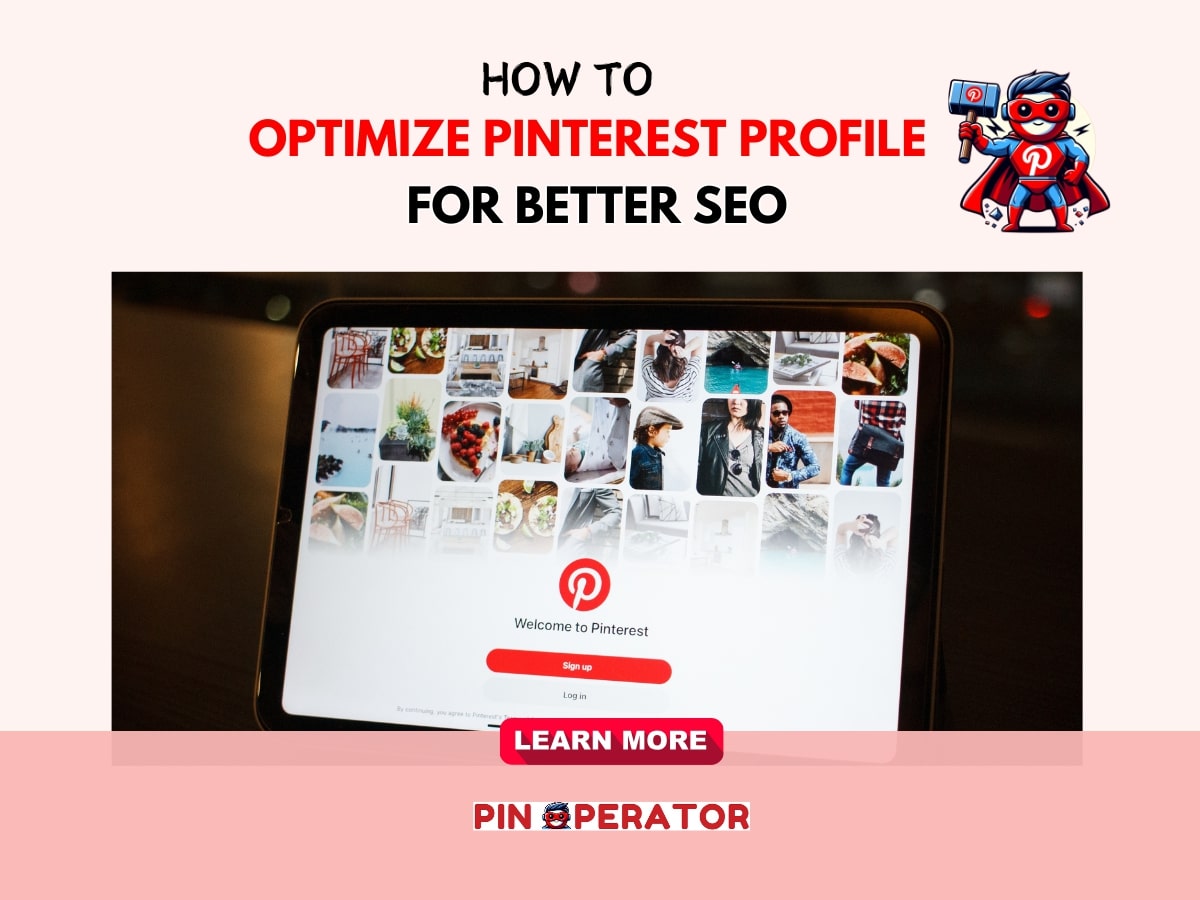
Credit: pinoperator.com
Tracking Bio Performance
Tracking the performance of your Pinterest bio helps you understand how well it attracts visitors. It shows which parts work and which need change. Monitoring bio stats guides you to improve your profile and reach more people. Regular checks keep your Pinterest presence strong and effective.
Using Pinterest Analytics
Pinterest Analytics gives detailed data about your profile and pins. It shows the number of views, clicks, and saves from your bio. Use this data to see which pins bring the most traffic to your profile. Analytics also reveal your audience’s interests and locations. This information helps tailor your bio content to attract the right followers.
Adjusting Strategies Based On Data
Analyze the data to find trends and patterns in your bio’s performance. Change your bio text if visitors do not engage with it. Update keywords to match popular search terms found in analytics. Test different profile images or titles to see what works best. Keep refining your bio using these insights for better results.
Frequently Asked Questions
What Is The Importance Of An Optimized Pinterest Bio?
An optimized Pinterest bio attracts the right audience and boosts profile visibility. It highlights your niche, builds trust, and drives more engagement. A clear, keyword-rich bio improves search rankings, helping users find your content easily.
How To Choose Keywords For A Pinterest Bio?
Select keywords relevant to your niche and audience interests. Use Pinterest’s search suggestions to identify popular terms. Incorporate these naturally into your bio for better discoverability and to attract targeted followers.
Can An Optimized Pinterest Bio Increase Profile Traffic?
Yes, a well-crafted bio can significantly increase profile traffic. It improves your profile’s SEO, making it easier for users to find you. Engaging bios also encourage users to explore your boards and pins.
How Often Should I Update My Pinterest Bio?
Update your Pinterest bio regularly to reflect changes in your brand or niche. Refresh keywords and add new achievements or offerings. Regular updates keep your profile relevant and improve search rankings.
Conclusion
An optimized Pinterest bio draws attention and builds trust. It tells people who you are and what you offer. Use clear words and include important keywords. Keep your bio short but full of value. This helps you connect with the right audience.
Regular updates keep your profile fresh and interesting. Small changes can lead to better results over time. Start crafting your bio today and see the difference. Pinterest can become a useful tool with the right approach. Simple steps make a big impact.