
Are you struggling to understand which links actually bring traffic to your website? Imagine having a clear view of every click, every visitor, and every action your audience takes through your links.
Link-tracking tools give you that power. They help you see what works, what doesn’t, and where to focus your efforts next. If you want to boost your marketing results and make smarter decisions, keep reading. This guide will show you how link-tracking tools can transform your strategy and save you time and money.
Credit: www.travelpayouts.com
Benefits Of Link-tracking Tools
Link-tracking tools help understand how links perform in digital marketing. These tools provide clear data on link clicks and user actions. Using link-tracking tools can improve decision-making and marketing success.
Improving Traffic Insights
Link-tracking tools show where visitors come from. They track how many people click each link. This helps identify top sources of traffic. Marketers can focus on channels that bring the most visitors. It also reveals which content attracts the audience best.
Enhancing Campaign Performance
Tracking links helps measure campaign results accurately. Marketers see which ads or posts get more clicks. They can test different messages and designs easily. This data guides adjustments to improve campaigns. It saves time and budget by focusing on what works.
Tracking User Behavior
Link-tracking tools reveal user actions after clicking links. They show which pages users visit next. This helps understand user interests and preferences. Marketers can create better content and offers. It leads to higher engagement and conversions.
Key Features To Look For
Choosing the right link-tracking tool can boost your marketing efforts. The right features help you understand how users interact with your links. This knowledge helps improve your campaigns and increase engagement.
Some features stand out as essential. They provide clear data, easy link management, and smooth integration with other tools. Let’s explore the key features to look for in a link-tracking tool.
Real-time Analytics
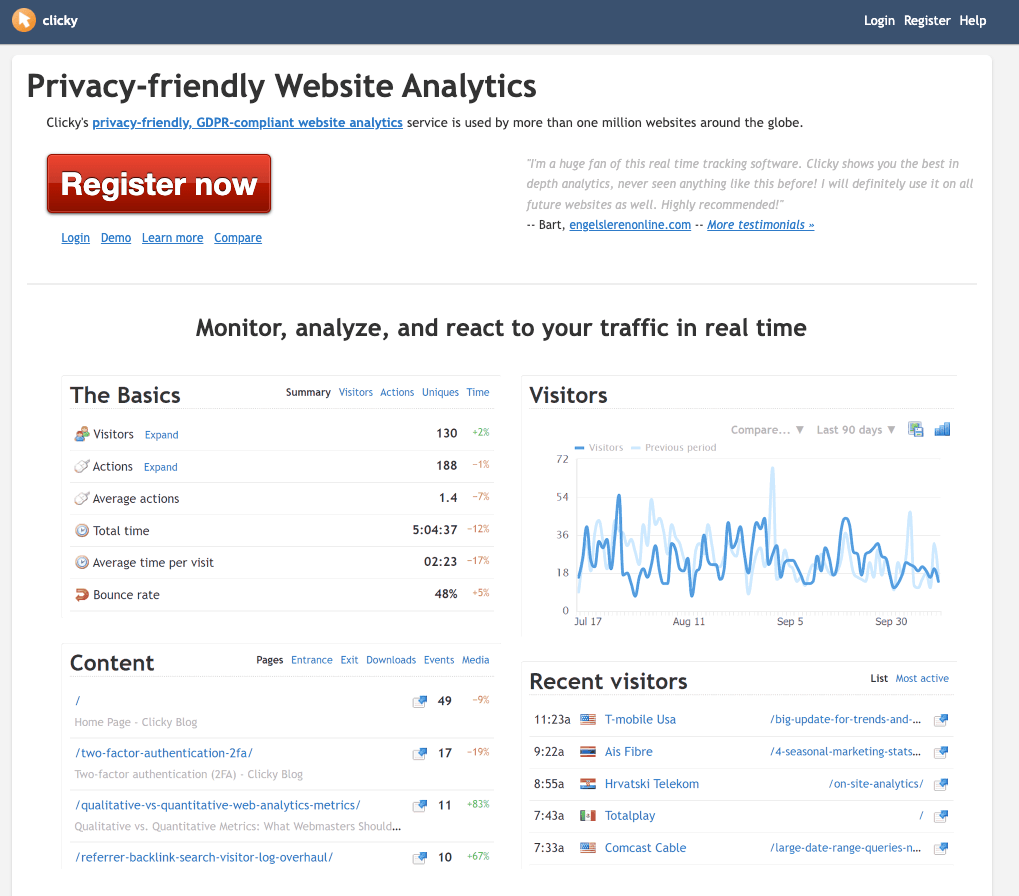
Real-time analytics show link activity instantly. You see how many clicks happen and where they come from. This helps adjust campaigns quickly for better results. Watch trends as they unfold, not hours later.
Custom Url Creation
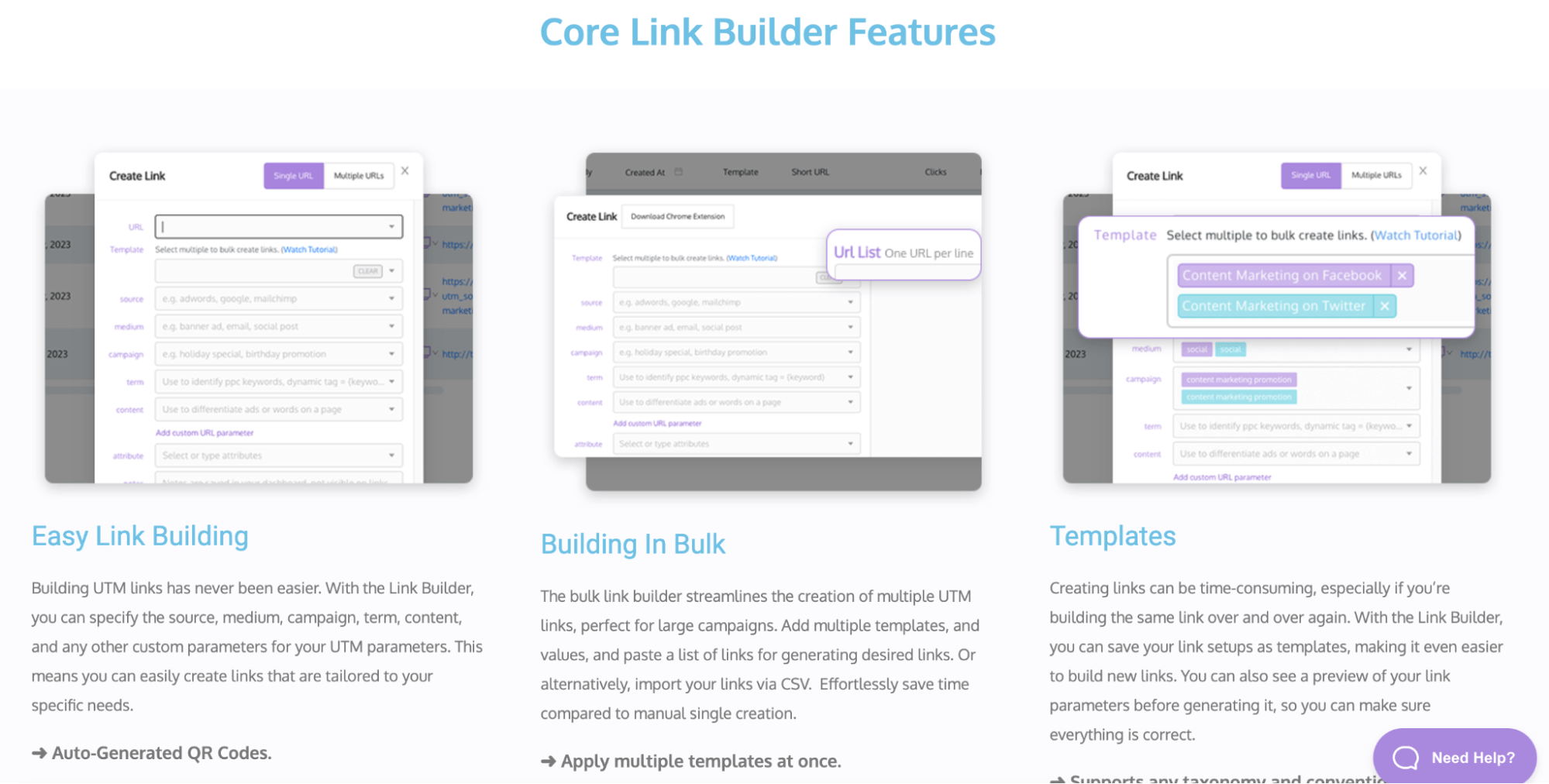
Custom URLs make links easy to remember and share. They also improve brand visibility. A good tool lets you create short, branded links. This builds trust and encourages clicks.
Integration Capabilities
Integration with other tools saves time and effort. Connect your link tracker with email, social media, or CRM platforms. This centralizes data and improves workflow. Smooth integration means better control over your marketing.
Top Link-tracking Tools
Choosing the right link-tracking tool can improve your marketing efforts. These tools help track clicks, analyze traffic, and measure campaign success. Understanding the features of popular tools lets you pick the best one for your needs.
Bitly
Bitly shortens long URLs into simple links. It tracks clicks, locations, and devices easily. The user interface is clean and friendly for beginners. Bitly offers real-time data to monitor link performance quickly.
Google Campaign Url Builder
This tool helps create custom URLs for Google Analytics tracking. It’s free and easy to use. You add campaign details to get a trackable link. It works well for tracking email and social media campaigns.
Clickmeter
ClickMeter tracks clicks, conversions, and traffic sources. It provides detailed reports and link comparison. The tool supports multiple users for team projects. ClickMeter works well for businesses needing advanced tracking.
Tinyurl
TinyURL creates short, easy-to-share links fast. It does not require an account for basic use. The tool offers simple click tracking features. It is good for quick link shortening without extra steps.
Rebrandly
Rebrandly lets you create branded links with custom domains. It tracks link clicks and traffic sources precisely. The tool helps build brand trust with neat URLs. Rebrandly supports integrations with popular marketing apps.
Credit: www.travelpayouts.com
Choosing The Right Tool
Choosing the right link-tracking tool is key to effective marketing. The right tool helps track clicks, measure traffic, and improve campaigns. Not all tools fit every need. Consider your unique requirements carefully before deciding.
Budget Considerations
Start by setting a clear budget. Some tools offer free plans with basic features. Paid plans provide advanced options but cost more. Choose a tool that matches your spending limit. Avoid paying for features you don’t need.
Ease Of Use
Pick a tool with a simple interface. You should add links and see reports quickly. Tools with complex setups waste time and cause frustration. Look for clear dashboards and easy navigation. Training should not take long.
Scalability
Your needs may grow over time. Choose a tool that can grow with you. Check if it supports more links and users as you expand. A scalable tool saves you from switching later. It adapts to your marketing changes smoothly.
Tips To Maximize Link Tracking
Maximizing link tracking helps you understand how users interact with your content. It shows which links bring the most traffic and which need improvement. Effective link tracking leads to better marketing decisions and higher website engagement.
Use clear strategies to get the most from your link-tracking tools. Focus on tagging, traffic analysis, and testing to improve your results.
Consistent Tagging Practices
Tag every link with clear, uniform labels. Use the same format across all campaigns. This keeps your data clean and easy to compare. Avoid random or missing tags, as they create confusion. Consistency helps track link performance accurately over time.
Analyzing Traffic Sources
Check where your visitors come from. Look at social media, email, or ads driving clicks. This shows which channels work best for your goals. Use this data to focus on high-performing sources. Cut down on low-performing ones to save resources.
A/b Testing Links
Test different versions of your links to find what works best. Change the text, placement, or call-to-action. Track which link gets more clicks or conversions. Use the results to improve future links. Testing helps you make smarter marketing choices.

Credit: www.offer18.com
Frequently Asked Questions
What Are Link-tracking Tools Used For?
Link-tracking tools monitor and analyze clicks on URLs. They help marketers measure campaign performance and user engagement. These tools provide data on traffic sources, click rates, and user behavior. This insight enables optimization of marketing strategies and better ROI tracking.
How Do Link-tracking Tools Improve Marketing Campaigns?
Link-tracking tools reveal which links attract the most clicks. Marketers can identify successful channels and content. This data helps refine targeting, messaging, and timing. Consequently, campaigns become more effective, leading to higher conversions and improved marketing ROI.
Are Link-tracking Tools Easy To Use For Beginners?
Most link-tracking tools offer user-friendly interfaces and simple setup. They provide clear dashboards and reports for easy data interpretation. Many include tutorials and customer support to assist beginners. This accessibility makes them suitable for marketers at any skill level.
Can Link-tracking Tools Track Social Media Links?
Yes, link-tracking tools track clicks from all platforms, including social media. They help identify which social channels drive traffic and engagement. This data allows marketers to focus efforts on the most effective networks. It also aids in optimizing social media strategies.
Conclusion
Link-tracking tools help you see how your links perform. They show which links get clicks and which don’t. This information helps you improve your marketing efforts. Using these tools saves time and gives clear results. Choose a tool that fits your needs and budget.
Start tracking your links today to grow your online presence. Simple steps lead to better results.